
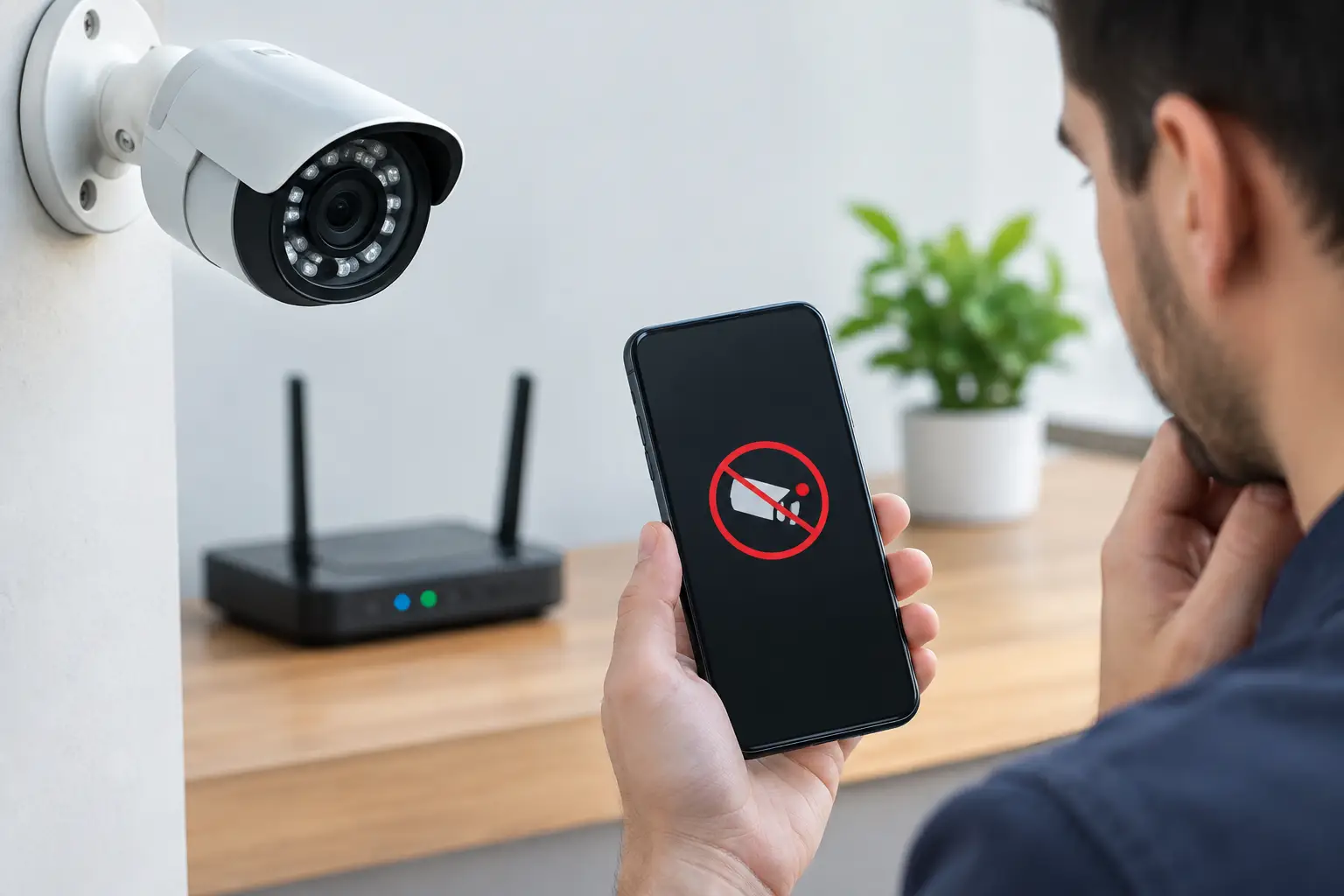
A camera that was working yesterday but is now showing as unavailable is more than an app annoyance. CCTV cameras offline can mean missed deliveries, no view of the drive, and no recording when you need it most. The good news is that the fault is often straightforward. Power, Wi-Fi, a loose connection or a changed router setting are the usual suspects.
Before buying replacement cameras or paying for a subscription you may not need, work through the basics. A few careful checks can get a system back online. If they do not, a proper fault diagnosis will find the cause without filling your home with unnecessary new kit.
Start with the camera, not the app
Look at the camera itself first. Is there a status light, and has it changed colour or stopped showing altogether? If it is a mains-powered indoor camera, check the plug, socket and power adaptor. Try a lamp in the same socket if you are unsure whether the supply is live.
For an outdoor camera, do not assume it is getting power simply because the cable looks intact. Weather, garden work, a loose external joint or a damaged cable can interrupt the supply. Wired systems may use a separate power unit, a recorder or Power over Ethernet equipment, so the fault can sit away from the camera.
Battery cameras need a different check. Open the app and look at the reported battery level, but do not rely on that reading if the camera has been offline for days. Remove and fully charge the battery where possible, then refit it securely. Cold weather can reduce battery performance, especially on a busy camera facing a road or footpath.
If several cameras have disappeared at the same time, it is unlikely that every camera has failed. Look instead at the broadband router, network switch, CCTV recorder or the power supply feeding the system.
Is your Wi-Fi working where the camera is fitted?
Many home CCTV faults are Wi-Fi faults in disguise. Your phone may have a good signal in the kitchen while the camera at the end of the garden, above the garage or by the front gate has a weak and unreliable connection.
First, check whether other devices are online. If your television streaming, phones and smart speakers are all struggling, restart the router and allow it a few minutes to reconnect fully. Avoid repeatedly switching it off and on. One clean restart is usually enough.
If the rest of the house is online but one camera is not, stand near that camera with your phone and check the Wi-Fi signal. A weak signal does not always mean the camera cannot connect, but it can cause dropouts, delayed notifications and patchy recordings.
Thick walls, foil-backed insulation, metal garage doors and distance all affect wireless coverage. A Wi-Fi extender might help in some homes, but it can also create another weak link if it is badly positioned. For cameras in a detached garage, garden office or at a far boundary, a wired data cable or properly positioned access point is generally the more dependable answer.
Router changes can take cameras offline
A new router, a broadband change or altered Wi-Fi name can knock cameras offline immediately. The camera is still looking for the old network details, even if every other device has been reconnected.
This is common after changing provider, accepting a router upgrade or resetting equipment following a power cut. You may need to reconnect each camera through its app. Keep the camera close to the router during setup if practical, then test the live view and alerts once it is back in its normal position.
Some older cameras only work on a 2.4 GHz Wi-Fi band. Modern routers often combine 2.4 GHz and 5 GHz under one network name, which normally works well, but certain cameras do not like the setup process. It is a settings issue, not necessarily a faulty camera. This is where changing options at random can make a simple job take much longer.
Check the recorder and cables on wired systems
A wired CCTV system is usually more stable than Wi-Fi, but it still depends on sound connections. If your cameras feed into a recorder, look at the recorder screen or app. Is the recorder powered on? Can it show any cameras locally on a connected television or monitor?
When one wired camera has failed, inspect the visible cable route and connections without pulling on them. A connector exposed outside can corrode, and a cable can be damaged by a clipped gate, loft work, pests or water getting into a junction box. Intermittent pictures, black screens and cameras that go offline overnight are all possible signs of a poor connection.
If every camera is offline, check the recorder's power supply and network connection before focusing on individual cameras. The cameras may still be recording locally even when remote viewing has stopped, so confirm what is happening at the recorder before assuming there is no footage.
Do not reset a recorder just because the app will not connect. A factory reset can remove settings, user access and recording configuration. It should be a last resort, not the first fix.
A sensible restart order
Restarting can clear a temporary communication fault, but order matters. Switch off the cameras or recorder only after noting what is connected where. Then restart the broadband router first and wait until its internet connection has returned.
Next, restart the network equipment, such as a switch or Wi-Fi access point, followed by the recorder or camera. Give each device time to come back online. It can take several minutes for cameras to reconnect, particularly if there are several on the system.
Afterwards, check more than the live picture. Open a recent recording, test motion alerts and view the camera using mobile data rather than your home Wi-Fi. That tells you whether remote access is working properly, not just whether the app works while you are standing in the house.
When not to reset or replace anything
There is a point where DIY stops saving time. Avoid factory-resetting cameras if you do not have the account details, QR codes or setup information. A reset can leave a camera needing full recommissioning, and some models require access to the original account owner.
Tenants should also be cautious. If the CCTV was installed by the landlord, managing agent or a previous occupier, get permission before changing connections or drilling holes for a new cable. Landlords, meanwhile, should check who has account access when a tenant changes. A working camera is not much use if nobody responsible can view its recordings.
It also makes sense to call someone in if cables are at height, outside connections have water damage, or the camera repeatedly drops off despite strong Wi-Fi and a verified power supply. The visible symptom may be simple, but the root cause could be poor original installation, a failing power adaptor, a network conflict or a damaged cable hidden in a wall or loft.
How a proper CCTV fault visit should work
A good repair starts with diagnosis, not a sales pitch. The engineer should establish whether the problem is power, camera hardware, Wi-Fi coverage, cabling, the recorder or account setup. Only then does it make sense to discuss repair, repositioning or replacement.
For example, a camera above a front door with poor Wi-Fi may not need replacing at all. Moving an access point, fitting a data cable or correcting the router settings could solve the issue permanently. Equally, an old camera with a failed internal radio may be uneconomical to repair, and replacing just that one unit may be the fair option.
Speedy Aerials can diagnose CCTV faults across the local area, explain the cause in plain English and test the system before leaving. There is no point fitting more equipment than you need. The aim is a tidy, dependable system you can actually rely on.
Common questions about offline CCTV cameras
Will my CCTV still record if the internet is down?
It depends on the system. Many recorder-based wired systems and cameras with local memory cards can continue recording without broadband. You may lose remote viewing, app alerts and cloud recording until the connection returns. Cloud-only cameras may be unable to record normally when offline.
Why does my camera go offline at night?
Night-time faults can point to a weak power supply, particularly when infrared night vision switches on and the camera draws more power. It can also be a Wi-Fi issue if the signal is already marginal. A proper test at the time the fault occurs is more useful than guessing during the day.
Can a power cut cause CCTV cameras to go offline?
Yes. Most systems reconnect on their own once power and broadband return, but routers, recorders and cameras do not always start in the right order. A controlled restart usually restores communication. If it keeps happening after every outage, the system may need its configuration or power arrangement checked.
Should I replace a camera that keeps dropping out?
Not until the power and network have been checked. Replacing a camera on the same weak Wi-Fi signal or damaged cable often gives you the same problem with a newer camera. Find the fault first, then spend money only where it will make a lasting difference.
Your cameras should quietly do their job in the background, not become another household problem to manage. If the fault is not obvious, get it tested properly and get back to knowing that the view of your home is there when you need it.