
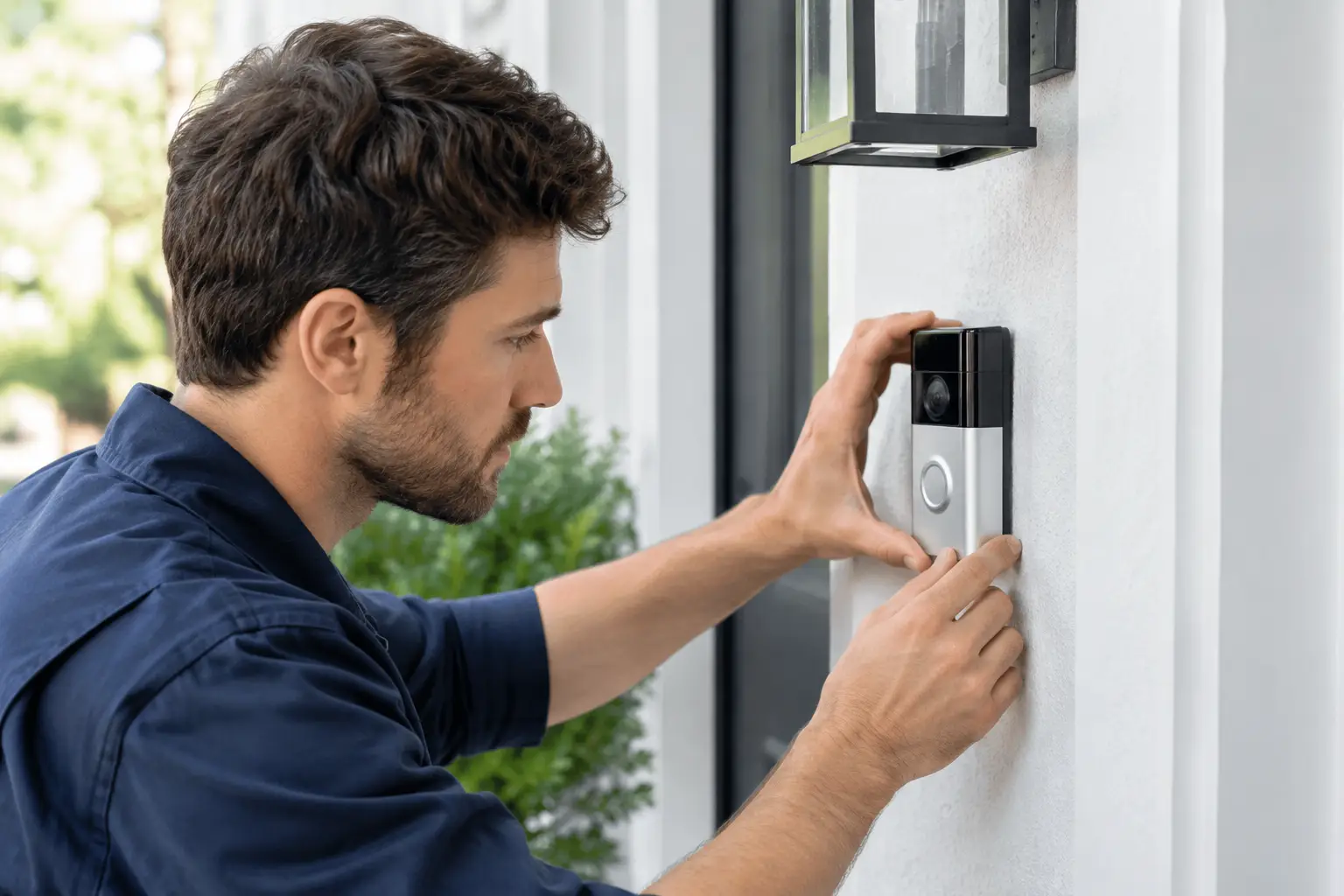
A doorbell camera is usually noticed only when it stops doing the job you bought it for: somebody is at the door, a parcel has gone missing, or you need to see who triggered an alert. If your doorbell camera not working has left you with a blank live view, no chime, missed notifications or a flat battery, the cause is often straightforward. The key is finding the real fault rather than repeatedly restarting the app and hoping it stays fixed.
Start with the symptom, not the app
Different faults point to different causes. A camera that is completely dead is unlikely to be fixed by adjusting motion settings. One that works during the day but drops offline at night may have a weak Wi-Fi signal, a power issue or both. A doorbell that rings indoors but shows no video needs a different check again.
Before changing several things at once, establish what still works. Can you press the button and hear the chime? Does the camera show a light? Is there a live image in the app when standing beside the router? Do alerts arrive late, or not at all? Those answers narrow the job down quickly and save a lot of unnecessary resetting.
A quick reboot is worth trying once. Restart the doorbell through its normal procedure, then restart the broadband router and allow both to reconnect fully. Do not factory-reset the camera as the first move. It can erase settings and create a new setup job without curing poor wiring, weak Wi-Fi or an unsuitable transformer.
Check the power supply first
Power is the most common reason for a wired video doorbell to become unreliable. A unit may appear to work for a while, then lose video, reboot when pressed or go offline at random because it is not receiving enough stable power.
Battery models need checking too. Cold weather shortens battery performance, especially if the camera is waking up repeatedly because of heavy footfall, a busy road or an over-sensitive motion zone. If the battery has been charged but runs down unusually quickly, look at its activity history and Wi-Fi strength before assuming the battery itself has failed.
For a wired unit, the transformer, existing chime, cable run and connections all matter. Older doorbell wiring was never designed with a smart camera in mind. It may be thin, damaged, poorly joined or connected to a transformer that cannot provide the required output. A loose terminal can also cause an intermittent fault that seems to disappear whenever someone arrives to inspect it.
Do not start working inside a consumer unit or alter mains electrical connections unless you are qualified to do so. The doorbell itself may run at low voltage, but its power source may not. A proper diagnosis checks the supply safely and confirms that the wiring and transformer are suitable for the specific doorbell.
When the doorbell camera will not connect to Wi-Fi
A strong signal in the lounge does not mean there is a strong signal at the front door. External walls, foil-backed insulation, metal door frames, double glazing and the distance from the router can all weaken Wi-Fi. The result is often a camera that connects during setup but struggles to load live video or misses notifications later.
Stand near the doorbell with your phone and check how dependable your home Wi-Fi feels there. This is only a guide, because a camera has a smaller aerial and can be less forgiving than a phone, but it will often reveal the problem. If pages load slowly or the phone drops to mobile data, the doorbell is unlikely to be happy.
Moving the router can help in some homes, but it is not always practical or sensible. A better answer may be a correctly positioned Wi-Fi access point or mesh node, installed where it improves coverage without creating another weak link. Cheap plug-in extenders sometimes help, but they can also add delay and instability. For a security device at the front of the house, reliable coverage is worth doing properly.
Check that your broadband itself is working and that the doorbell has not been disconnected after a new router, password change or provider switch. Many homeowners change broadband and forget that cameras, smart speakers and alarms all need reconnecting afterwards.
Look at settings that create false alarms and missed calls
Not every apparent fault is a hardware fault. Motion settings can be too narrow, too broad or pointed at the wrong part of the path. A camera aimed across a pavement may record every passer-by, drain its battery and bury a genuine visitor alert in a flood of notifications. A privacy zone may be covering the doorstep, while a poorly set activity zone can miss the person standing right in front of the button.
Review the motion area, alert sensitivity and notification permissions on the phone. If nobody in the household receives alerts, check that notifications are enabled both in the doorbell app and in the phone's settings. Also make sure the app is up to date.
If notifications arrive but there is no sound indoors, the issue may be the chime configuration rather than the camera. Some installations use an existing mechanical chime, while others use a plug-in chime or phone alerts only. The setup needs to match the equipment actually installed. Trying to force an incompatible old chime to work can leave you with buzzing, constant ringing or a doorbell that will not stay powered.
Check the physical installation
A video doorbell lives outside through rain, frost, heat and the occasional knocked delivery. Inspect it without pulling at cables. Look for cracked casing, water marks, corrosion around terminals, a loose mounting plate or a camera that has been knocked out of position.
Poor positioning causes more trouble than people expect. A camera facing low winter sun can produce washed-out footage. One mounted too low may capture coats and parcels rather than faces. One fitted on a narrow frame can have a poor viewing angle, while a unit placed directly beside a metal surface may have reduced Wi-Fi performance.
There is also a privacy and practical point. Aim the camera at your own entrance and keep neighbouring windows and private areas out of shot where possible. A well-positioned camera gives a clear face, a useful approach view and fewer pointless motion alerts.
When a reset is worth doing
A factory reset is sensible when the camera is confirmed to have good power, stable Wi-Fi and no obvious physical issue, but it still refuses to connect or behaves unpredictably after a normal restart. Have the account details, current Wi-Fi password and setup instructions ready before doing it.
Resetting is less likely to help if the unit cuts out when the button is pressed, only works close to the router, or repeatedly reports low voltage. Those are signs that need the installation checked, not another app setup.
When to call someone in
It is time for a proper visit when you have recurring dropouts, damaged cables, a wired unit with power warnings, no usable Wi-Fi at the entrance or an old chime that has become temperamental since the camera was fitted. Landlords should also act promptly where a camera forms part of a property's security arrangement, rather than leaving a tenant with a device that only works occasionally.
A good repair should identify whether the fault is the doorbell, wiring, transformer, chime or network. Replacing the camera before testing those parts can waste money. Equally, not every old installation needs a full replacement. Sometimes a tidy new cable, suitable power supply or better Wi-Fi coverage is all that is required.
Speedy Aerials can diagnose wired Ring and video doorbell faults, improve Wi-Fi coverage and install replacement equipment where it genuinely makes sense. You deal directly with Larry, not a call centre, with a free call-out and quote, fair pricing and a two-year parts-and-labour warranty on smart-home work.
Your doorbell camera should be something you trust without thinking about it. If it keeps dropping out, do not settle for a temporary restart every few days - get the power, signal and installation checked so the next ring at the door is one you can actually answer.