
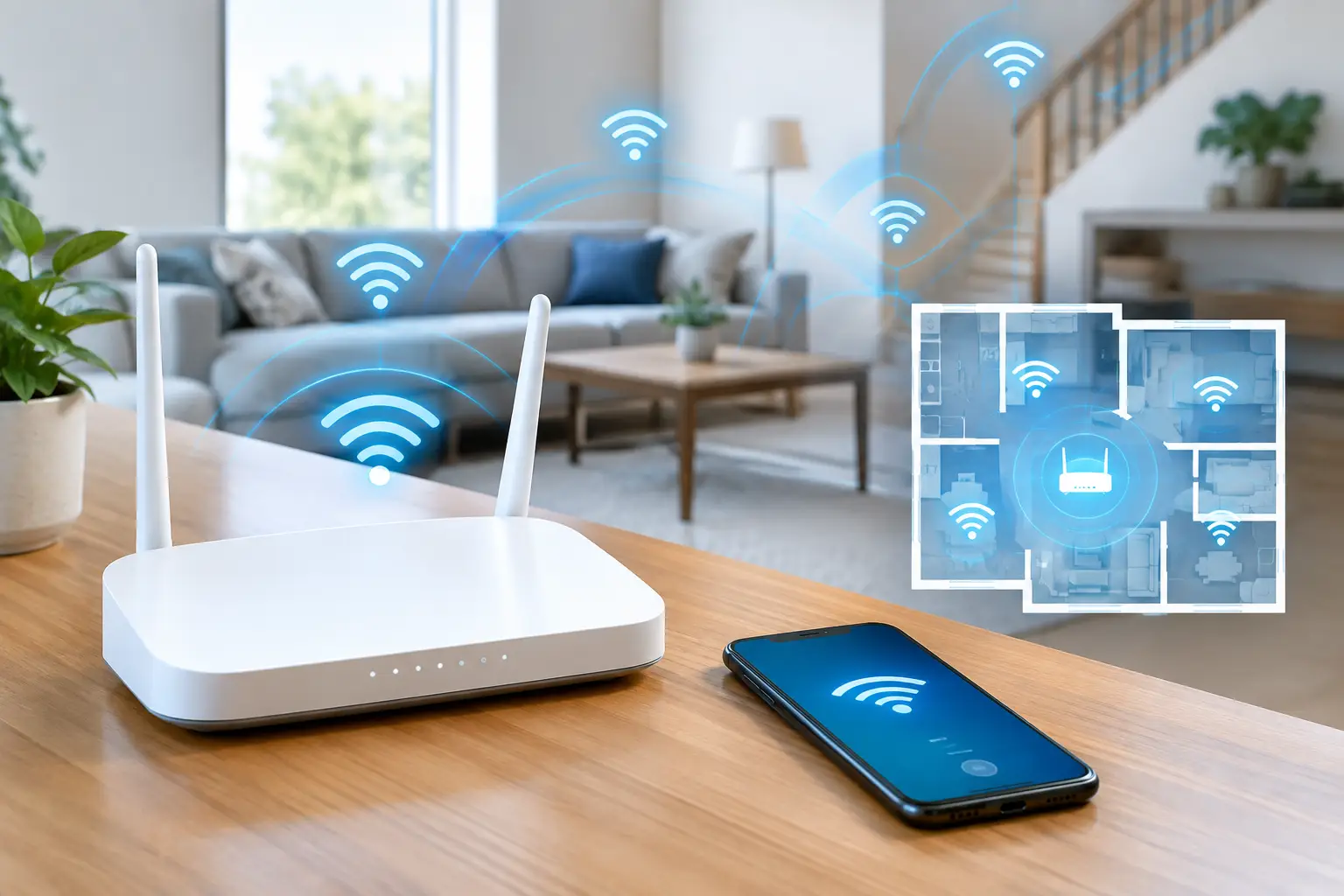
A video call freezing in the back bedroom, a doorbell that drops offline by the gate, or a smart TV that buffers every evening are all familiar signs of poor coverage. The good news is that it is usually possible to fix Wi‑Fi black spots without replacing every device or paying for a faster broadband package you do not need.
A black spot is not always a broadband problem. Your broadband may reach the house at a perfectly respectable speed, while the Wi‑Fi signal struggles to travel through solid walls, floors, foil-backed insulation, kitchen appliances and the usual clutter of a busy home. The right fix depends on where the problem starts and how the property is built.
Start by proving it is a Wi‑Fi problem
Before buying an extender or changing provider, compare the connection near your router with the connection in the troublesome room. Run a speed test beside the router, then repeat it where the signal is poor. If the speed is good by the router but falls sharply upstairs, in the garden office or at the far end of an extension, the issue is coverage inside the home.
If speeds are poor everywhere, including beside the router, that points towards the broadband line, router fault or a problem with the provider. A wired laptop test can help separate the two. Plugging directly into the router with an Ethernet cable removes Wi‑Fi from the equation. Good wired speeds and poor wireless speeds mean your internet is fine - it is the wireless setup that needs attention.
It also pays to notice whether the issue happens all day or only at certain times. A signal that disappears when the microwave is running, for example, may be suffering interference on the 2.4GHz band. A connection that slows only in the evening could be a busy wireless channel or, less commonly, congestion on the broadband service.
Why Wi‑Fi black spots happen in ordinary homes
Wi‑Fi does not behave like light from a bulb. It weakens every time it passes through something, and some materials are particularly unforgiving. Thick brick internal walls, reinforced concrete floors, metal studwork, underfloor heating, mirrors and modern insulation can all reduce range. Older houses with solid walls often need more than one wireless point. Large new extensions can cause the same problem, particularly when the router remains in a cupboard at the front of the original house.
Router position matters more than most people expect. A router hidden behind the television, on the floor, inside a cabinet or beside a bank of electrical equipment starts at a disadvantage. Ideally, it should sit in an open, central position, raised off the floor and away from cordless phone bases, speakers and large metal objects.
The bands matter too. The 2.4GHz band travels further and copes better with walls, but is often crowded and slower. The 5GHz band is generally quicker at close range but does not travel as far. Newer routers may also use 6GHz, which can be excellent nearby but has an even shorter reach through solid construction. A good system chooses sensibly between bands rather than forcing every device onto one setting.
The simple checks worth doing first
Restarting the router is not a magic cure, but it is a reasonable first check if the problem is new. Give it a few minutes to reconnect fully. Check for loose cables, overheating and a router wedged into a tight cupboard. If your provider has supplied a very old router, ask whether a newer model is available, especially if you now have fibre broadband or many connected devices.
Move the router if it can be moved without creating a mess of visible cables. Even shifting it from a corner to an open shelf can improve coverage in several rooms. Do not put it next to the main television, electrical consumer unit or a fish tank.
Use the network name and password supplied by your router unless you have a reason to change them, and make sure phones, tablets and smart devices are connecting to the intended network. Homes sometimes still have an old extender network saved on devices, so they cling to a weak signal rather than switching to the stronger one.
These checks are worthwhile, but they will not overcome two solid walls and a concrete floor. That is where properly planned equipment pays for itself.
How to fix Wi‑Fi black spots with the right equipment
Wi‑Fi extenders: useful for a small gap
An extender picks up your existing Wi‑Fi and repeats it further into the house. It can be a low-cost answer for one lightly used room, such as a spare bedroom, provided there is still a strong signal where the extender is placed.
The common mistake is putting it in the black spot itself. An extender cannot repeat a signal it cannot receive. It needs to sit roughly halfway between the router and the dead area, where the original signal remains healthy. Even then, speeds can be lower because it is using wireless capacity to communicate back to the router.
For occasional browsing this may be enough. For home working, gaming, 4K streaming, CCTV or a video doorbell, it is often not the best long-term answer.
Mesh Wi‑Fi: better for open or medium-sized homes
A mesh system uses two or more wireless units that work together under one network name. Your phone can move between them without you manually changing networks. This makes mesh a good option for a typical family house where coverage is patchy across several rooms rather than completely absent in one area.
Mesh units still need sensible placement. Put one at the router and place the next where it can receive a decent signal, not behind a television or at the extreme edge of coverage. In a long house, a three-unit system may be better than trying to stretch two units too far apart.
Wireless mesh is convenient, but it still depends on radio signal passing between units. In properties with thick walls, older construction or a detached garden room, a mesh system with wired connections between the units is much more reliable.
Wired access points: the proper answer for difficult layouts
For persistent black spots, a wired Wi‑Fi access point is usually the strongest fix. An Ethernet cable runs from the router to the part of the home that needs coverage, and an access point creates a fresh, full-strength Wi‑Fi signal there. It does not have to fight its way through several walls first.
This is especially effective for loft conversions, home offices, garden buildings, large extensions and properties with solid internal walls. It is also the sensible choice when you rely on stable CCTV, smart heating, alarm systems or work calls.
A tidy installation can route data cable through lofts, under floors or along discreet external runs where appropriate, rather than leaving leads trailing across skirting boards. The access point can be ceiling-mounted, wall-mounted or placed neatly where it gives the best coverage. Correct positioning matters as much as the equipment itself.
Powerline adapters are sometimes suggested as an alternative. They send data through the electrical wiring, but results vary greatly with the age and layout of the circuits. They can work in some homes, yet they are not something to rely on for a critical office connection until they have been tested properly.
Do not overlook the garden, garage or outbuilding
Wi‑Fi from the house rarely gives dependable coverage at the far end of a garden. Exterior walls, double glazing and distance take their toll. If you need a camera, video doorbell, EV charger connection or workspace in an outbuilding, plan for it as a separate area rather than hoping a plug-in extender will reach.
A cable to a dedicated access point is normally the most dependable route. Where a cable is genuinely impractical, a point-to-point wireless link may be suitable, provided there is a clear path between the house and building. The correct answer depends on distance, construction and what needs to stay connected.
When professional testing saves time and money
Buying random boosters is an easy way to fill a drawer with kit that never quite worked. A proper survey starts with the router, broadband speed, property layout and the rooms or devices that matter most. There is no point improving signal in a guest room while the home office, main TV and doorbell remain unreliable.
Speedy Aerials can test coverage, identify the cause and install a sensible fix, from a correctly placed access point to neat Ethernet cabling for a wired mesh setup. You get straightforward advice, a free call-out and quotation, and no unnecessary equipment sales. The aim is a first-visit solution that stays fixed, backed by a two-year parts-and-labour warranty on smart-home equipment.
A better signal should feel unremarkable
The best home Wi‑Fi is not something you keep checking. Your call works in the bedroom, the children can stream downstairs, the doorbell stays online and the office connection does not vanish halfway through a meeting. If moving the router has not solved it, stop guessing at boosters and have the coverage planned around how your home is actually used.