
A blank screen just as the match starts is rarely a reason to replace the whole aerial. Before you test TV aerial signal strength, check what the television is actually reporting and rule out the simple indoor faults first. A loose lead, the wrong TV input or a powered amplifier that has lost power can look exactly like an aerial failure.
The aim is not to become an aerial engineer for the afternoon. It is to identify whether the problem is likely to be your television, the cable inside the house or the aerial system outside. That makes the next step clearer and helps avoid spending money on kit you do not need.
Start with the TV's signal information
Most Freeview televisions and set-top boxes have a signal information page. The wording varies by make, but look in Settings, Channels, Tuning or Support for Signal Information, Signal Test or Manual Tuning. You may need to select the affected channel first.
You will normally see two readings: signal strength and signal quality. Strength shows how much signal is reaching the tuner. Quality shows how clean and usable that signal is. A strong reading with poor quality can still give a pixelated picture, missing channels or sound that cuts out.
As a rough guide, a stable quality reading matters more than chasing the highest possible strength. Too little signal causes break-up, but excessive signal from an amplifier can also overload a tuner. If quality drops sharply while strength stays high, the issue may be interference, water in a cable or an amplifier rather than an aerial pointing in the wrong direction.
Check a working channel as well as a failing one. If every channel has no signal, the fault is usually close to the TV, the distribution equipment or the aerial feed. If only a group of channels is missing, it can point to an aerial alignment issue, local transmitter changes or interference affecting a particular frequency.
Check the easy things before testing the aerial
Start at the back of the television. Make sure the aerial lead is fully pushed into the socket marked ANT IN, RF IN or Aerial. It is surprisingly common for a lead to be sitting in the cable or satellite socket instead, particularly after moving a TV unit or adding a games console.
Then inspect the lead itself. A bent centre pin, cracked outer casing or connector that feels loose can cause an intermittent fault. If you have a known-good flylead from another room, swap it temporarily. This is one of the quickest ways to separate a TV or aerial problem from a faulty short lead.
If you use a signal booster or distribution amplifier, check its power supply. Many have a small light, but do not assume a light means it is working properly. Make sure the plug has not been switched off at the wall, and check that any power inserter is connected in the correct direction. A failed amplifier can leave every television in the property showing no signal.
Also confirm that the television is set to the correct source. Freeview comes through the aerial input, while Sky, Sky Q, Sky Stream, Freesat and streaming devices use different inputs or internet connections. Retuning will not restore a satellite or broadband service.
How to test TV aerial signal room by room
If there is more than one TV in the property, compare them. This gives useful clues without climbing a ladder or buying a meter.
When one television has a good picture and another does not, the aerial itself is probably fine. Focus on the affected room's flylead, wall plate, extension cable or splitter output. Try the working television in the problem room, or take the problem television to the working point if it is practical to do so. The results tell you whether the fault follows the TV or stays with the socket.
When all televisions fail at once, check for shared equipment in the loft, cupboard or behind the main television. A multi-room amplifier, splitter, damaged main downlead or fault at the aerial is more likely. Homes with aerials feeding several rooms often have a powered distribution unit, and these are a common failure point after a power cut or age-related wear.
Do not pull wall plates apart unless you are confident doing so. Loose connections behind the plate are fixable, but it is easy to damage thin coaxial cable or leave a poor joint that creates a repeat fault.
Retuning is not always the answer
Automatic retuning is useful after a transmitter frequency change or when a new television has been installed. It is not a repair for a weak or unstable signal. If the signal has failed, retuning may simply delete the channels that were already stored, leaving you with an empty channel list.
Check the signal readings first. If they are weak, fluctuating or absent, deal with the physical fault before retuning. Once the signal is stable, run an automatic channel scan. If your television allows manual tuning, this can be more controlled, especially in areas where it may find signals from more than one transmitter.
A common clue is that the channels return briefly after a retune but break up again later. That usually means the aerial signal was never reliable in the first place.
What weather damage and interference look like
Wind, heavy rain and frost do not normally cause a healthy aerial system to fail. They do, however, expose existing weaknesses. An aerial that has shifted slightly, a cable with a split outer sheath or a poorly sealed connector can start causing trouble after bad weather.
Typical signs include a picture that fails only in rain, channels disappearing after high winds, or a fault that appears at certain times of day. Water entering a cable changes the signal conditions and can corrode connections over time. Aerials and cables near trees may also be affected by movement or growth.
Electrical interference is another possibility. If pixelation starts when LED lights, a heating system, a charger or another appliance is switched on, make a note of it. Poor-quality cables, damaged screening and overloaded amplifiers can let interference into the system. The cure is not always a new aerial. Often it is a properly screened cable, a sound connection or removing unnecessary amplification.
When not to test the aerial yourself
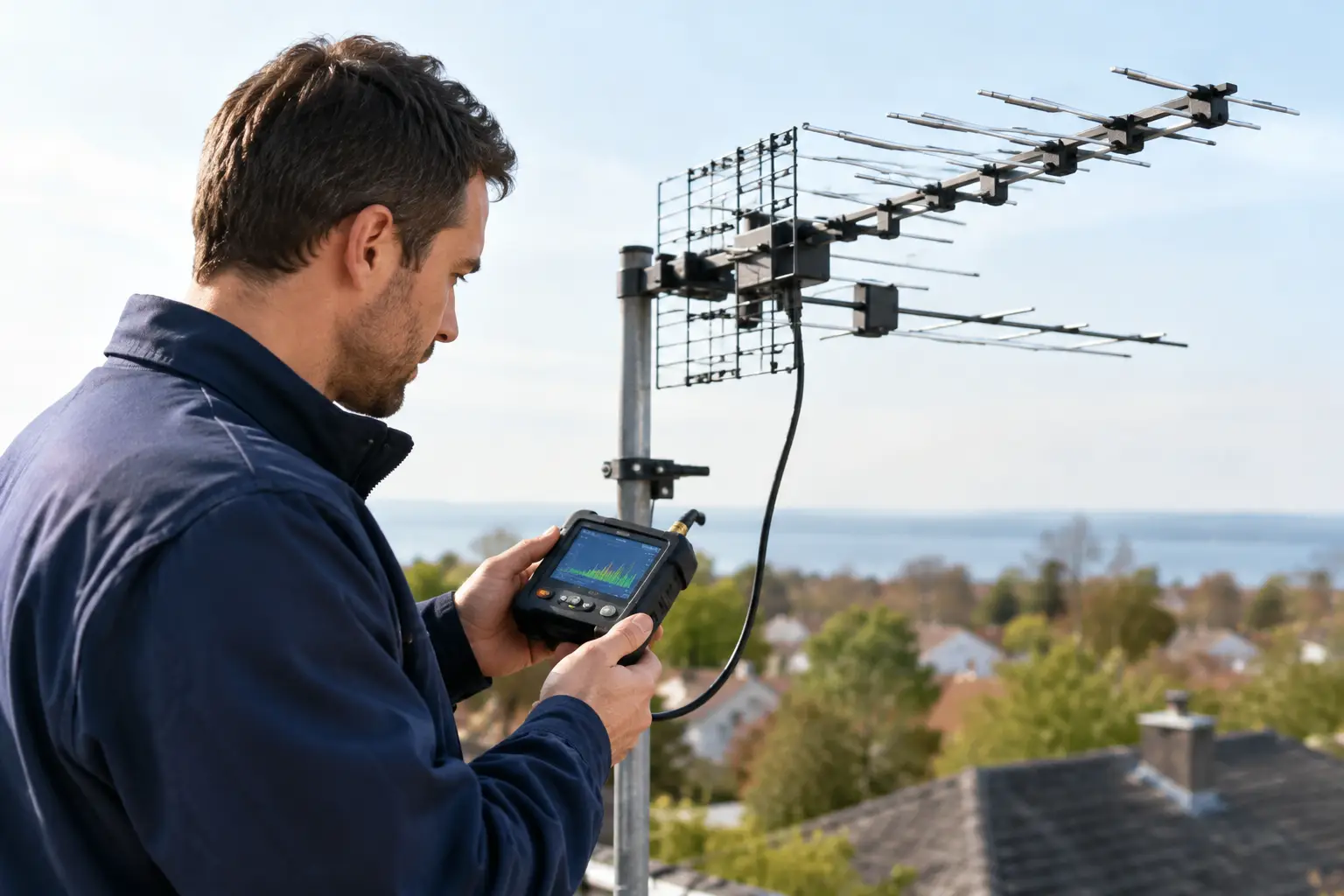
Do not go onto a roof, climb a ladder near overhead cables or try to realign an aerial by eye. The risk is not worth it, and moving an aerial a few degrees can make reception worse. Aerial work also needs the right test equipment to confirm that the signal is clean across the relevant Freeview channels, not merely present at one moment.
You should also call for help when the external cable is hanging loose, the aerial looks bent or damaged, there is visible water damage at an entry point, or every TV has lost signal. A proper fault visit should test the signal at the aerial, through the cable run and at the TV point, so the real cause is fixed rather than hidden with a bigger booster.
For homeowners, tenants and landlords, this is where an engineer-led service saves time. Speedy Aerials can diagnose the whole system, explain the fault in plain English and quote before work begins. There is no benefit in fitting a new aerial if a £10 flylead or failed power supply is the actual problem.
A quick check before you book
Make a note of whether the issue affects one channel, one TV or the whole property. Record any signal strength and quality readings, and mention whether the problem began after a storm, power cut, decorating work or moving furniture. These details help an engineer arrive prepared and get to the fault faster.
If the TV says no signal, begin with the lead, socket, input and any amplifier power supply. If those checks do not change anything, leave the roof work alone. A tidy, properly tested repair should mean you can get back to watching television without wondering which cable will fail next.